CommerceBusiness360 Retail
Sell faster. Manage stock better. Grow your retail business.
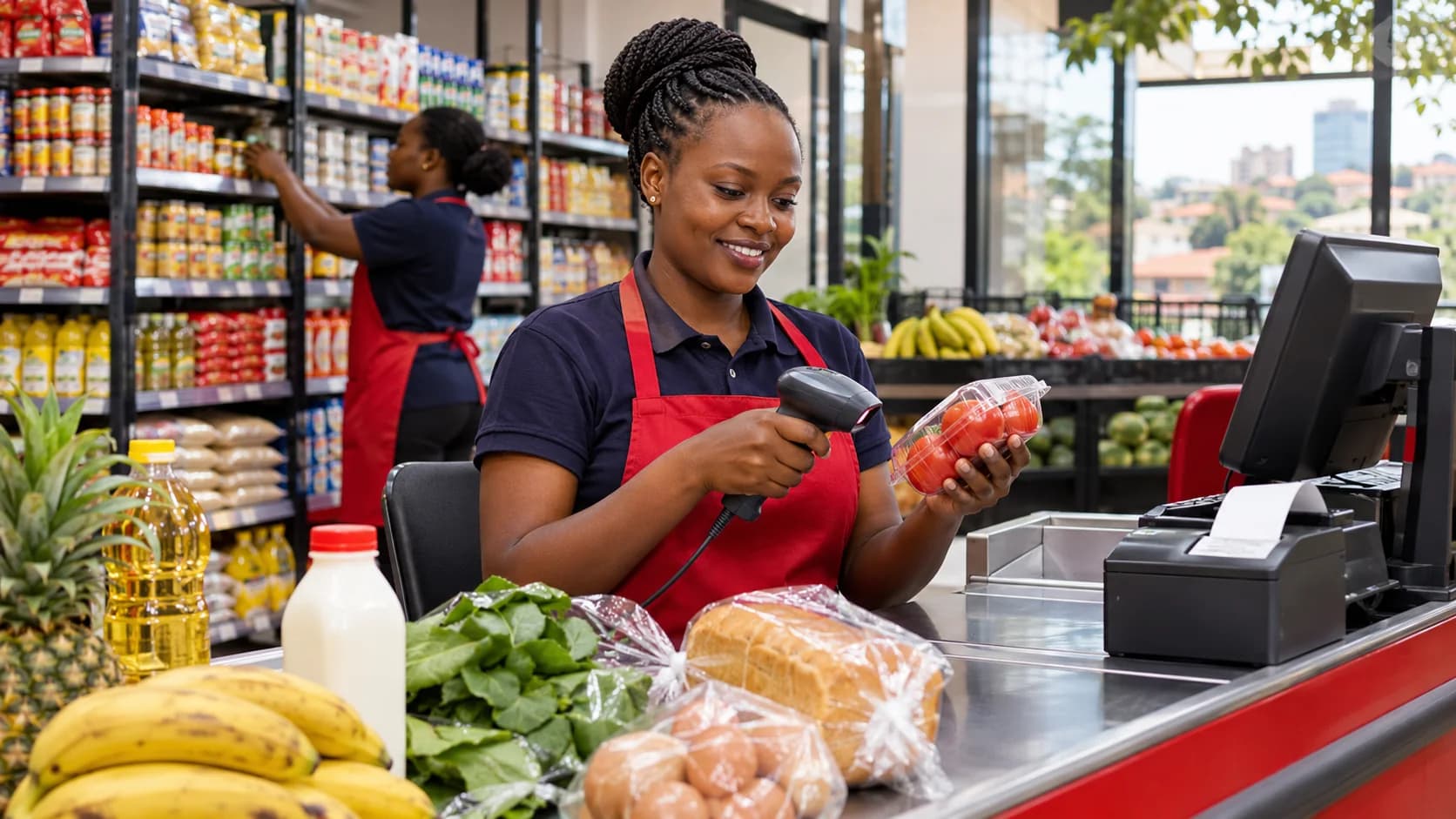
Connect checkout, products, stock, suppliers and store reporting for neighborhood shops through multi-location retail operations.
- 01Supermarkets
- 02Mini-markets
- 03Grocery stores
- 04General merchandise shops
- 0111 business types
- 028 starting modules
- 03Starter or Business
- 04Confirmed in discovery
Built for retail and commerce
- Supermarkets
- Mini-markets
- Grocery stores
- General merchandise shops
- Department stores
- Bookshops
- Stationery stores
- Cosmetics shops
- Convenience stores
- Retail chains
- Hardware stores
Operating challenges
Where the day gets hard to see.
- 01
Keep checkout and stock records aligned.
- 02
See low stock, sales returns and daily cash-up.
- 03
Coordinate supplier orders and store performance.
Recommended modules
A starting scope for Business360 Retail.
These modules are a discussion list. Licensing and what is switched on are confirmed after discovery.
- 01
- 02
Sales Management
Organize quotations, orders, invoices, customer payments and sales performance.
Module details - 03
Inventory and Stock Management
Track products and stock movements with a consistent product catalogue.
Module details - 04
Procurement and Purchasing
Organize suppliers, orders received, purchase costs and returns.
Module details - 05
Accounting and Finance
Plan core accounting workflows and financial visibility around the implementation.
Module details - 06
Customer Relationship Management
Keep customer profiles, leads, follow-ups and sales history together.
Module details - 07
Multi-Branch Management
Plan location-specific records and consolidated operational views.
Module details - 08
Reporting and Business Intelligence
Review sales, stock, purchases, customers and branch activity in reports.
Module details
Often added later
Questions
About the retail and commerce edition
What businesses fit Business360 Retail?
Supermarkets, Mini-markets, Grocery stores, General merchandise shops, Department stores, Bookshops, Stationery stores, Cosmetics shops, Convenience stores, Retail chains, Hardware stores.
Which modules should we start with?
A starting scope includes Point of Sale, Sales Management, Inventory and Stock Management, Procurement and Purchasing, Accounting and Finance. Final selections depend on your processes, licensing and readiness.
Are these capabilities ready to use?
Retail POS and inventory are product priorities; confirm configuration, devices, payment handling and licence scope during discovery.
Can this edition support multiple locations?
Branch requirements can be reviewed during discovery. Location permissions, stock movement and reporting depend on selected modules and deployment scope.
Can we request a tailored demonstration?
Yes. Share your business workflows and requirements so the demonstration can focus on relevant capabilities.
Does the suggested package include a price?
Starter or Business is a starting package range. It is not a quotation. Pricing is confirmed after the scope is agreed.

Discuss your retail and commerce operation
See whether Business360 fits the way you serve customers.
The conversation covers business type, locations, the systems you already use, and the workflows you want in the first scope.